Website Builder
Guided setup, pages, themes, navigation, saving and desktop or mobile preview. Mobile Apps is a separate planned module; this setup does not create a native app.
Choose your sector and beginHOW IT WORKS · Business Flow
Select an independent solution. Review its scope and availability, then start setup where it is ready. Keep the tools that already serve you.
Choose the tools that help with your day-to-day work.

English interface today · Hindi planned for Phase 2.
ACTUAL SOFTWARE · LOCAL REVIEW
See the Free Website Builder’s saved checklist after refresh. It brings the steps you have reviewed and the requirements still to resolve into one place.
This is a real historical capture with synthetic data. Free Website Builder works in local review; it does not activate planned modules or publish a website.
Explore Website Builder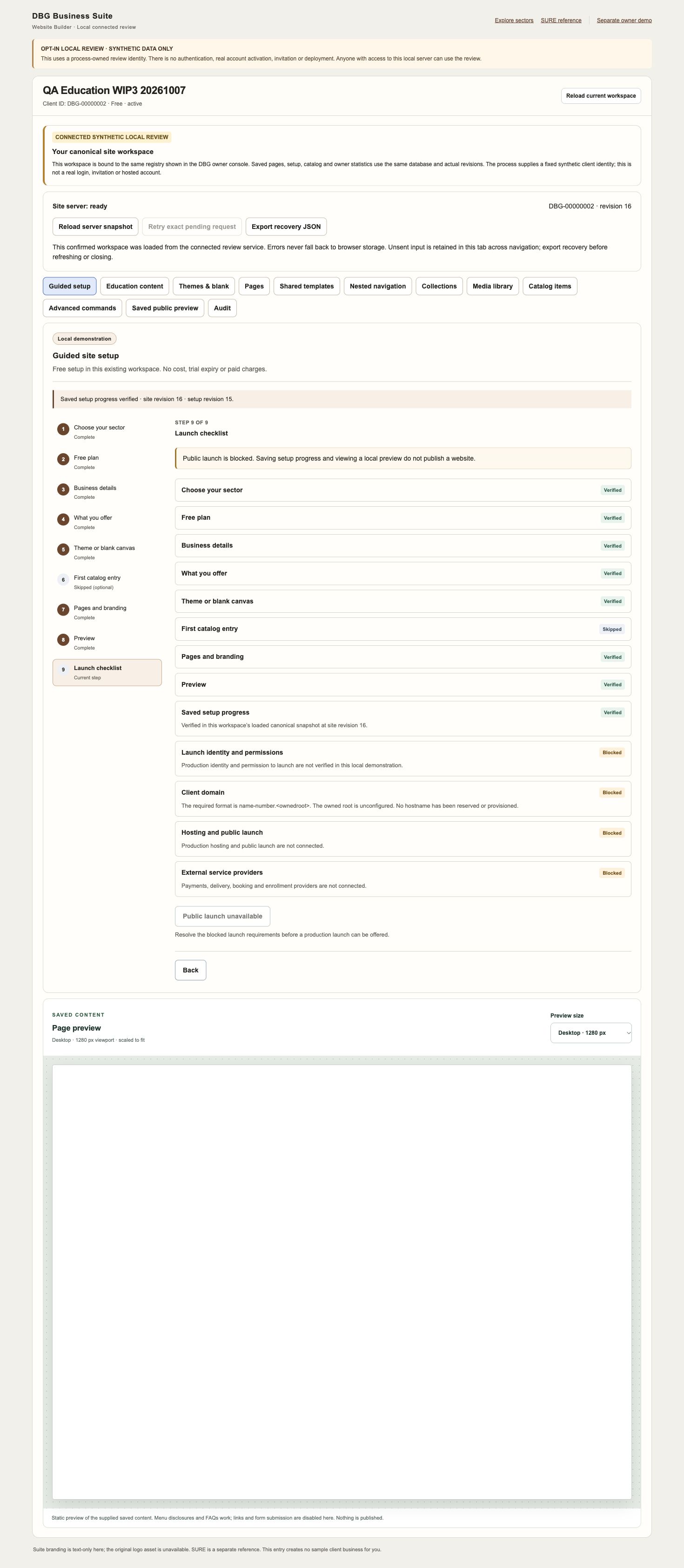 Open full capture
 CHOOSE → SET UP → USE
You do not need to adopt the whole Suite. Begin with one need, review the solution’s current status, and decide how it fits your business.
Explore eleven business needs, then choose the module that fits. Education, Healthcare and FMCG guides help you put that choice in context.
For example, a hospital can discuss HRMS while keeping its existing custom hospital software or Marg. You can discuss one solution or an optional bundle; there is no forced Suite purchase.
Compare the eleven solutions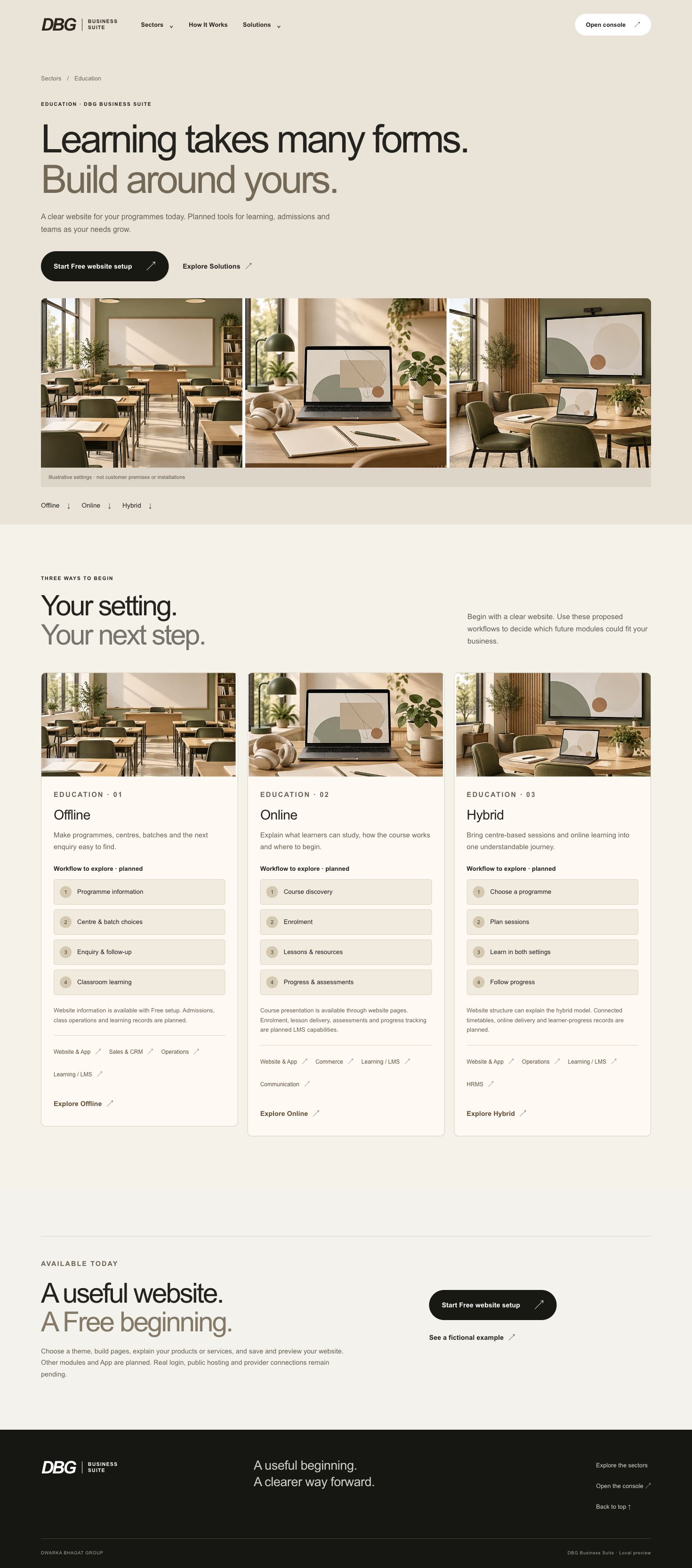 Open full capture
 Free website setup lets you choose a sector and theme or blank canvas, add business information, and shape your pages and navigation.
The approved Partner pipeline also works in local review: save your own enquiries, next actions and client progress after owner approval. Planned modules do not become active when you click a link.
FREE WEBSITE SETUP
Choose a sector and describe what you offer.
Choose a theme or blank canvas; shape your pages.
Save and review the checklist shown above.
Local review · public launch remains blocked.
Use the available local workflow, save changes and review the result. Check website content on mobile; keep Partner follow-ups clear and assigned to your own pipeline.
Keep your current software and working practices where they help; there is no forced migration. Any future data connections need an agreed scope and testing.
Follow the tutorial chapters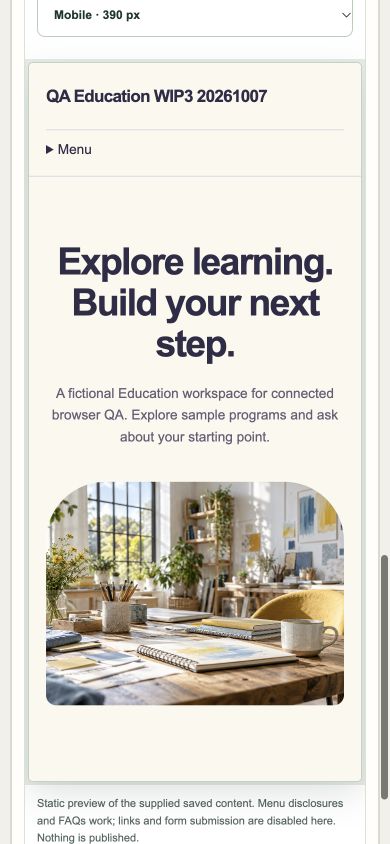 Open full capture
 KNOW WHAT YOU CAN USE
Ready means available in this synthetic local review. Real sign-in, public hosting and external provider connections remain pending.
Guided setup, pages, themes, navigation, saving and desktop or mobile preview. Mobile Apps is a separate planned module; this setup does not create a native app.
Choose your sector and beginApplications, owner review and an approved Partner’s own enquiries, demos, next actions and client progress. This is a Partner workflow, separate from the planned general Sales & CRM module.
Apply for Partner reviewTesting: Accounting has an isolated Testing checkpoint. Its code is not merged into this Suite, and Accounting cannot be activated here. Planned: the broader business modules and Mobile Apps need separate implementation and review. Pricing, paid activation and live integrations are not available here.
ELEVEN INDEPENDENT STARTING POINTS
Each entry opens that solution’s scope. Explore independently; a link does not purchase, activate or connect a module.
Understand what your business earns, spends and is owed.
Isolated Testing checkpoint · unmerged
Explore AccountingOrganise the work that keeps your business running.
Explore OperationsPresent what you sell and organise the buying journey.
Explore CommerceGive every business enquiry a clear next step.
Explore Sales & CRMHelp the right audience discover your business.
Explore MarketingKeep business conversations clear and organised.
Explore CommunicationSupport the people who run your business.
Explore HRMSOrganise learning and follow progress.
Explore Learning / LMSFollow goods from dispatch to delivery.
Explore ShippingBuild and review a responsive business website.
Explore Website BuilderExplore a native app for Android or iOS.
Explore Mobile AppsREQUEST CUSTOMISATION
The agreed product baseline is the default. Describe a gap you want to address; the team must review any requested changes before feasibility, cost or delivery can be agreed.
Review feasibility, scope, cost and timeline. Development starts only after the proposed work is approved.
Work to the approved scope. Further changes need a separate review and agreement.
Review the agreed result with the client and obtain acceptance before deployment.
Plan deployment after acceptance and the required setup checks. No automatic feasibility or delivery promise is made.
Choose a sector and use its existing business-discussion outline to describe the baseline and requested changes. These tools prepare a draft on your device; nothing is sent or saved to a DBG inbox.
There is no connected DBG customisation request capture here. Share the reviewed outline through a DBG contact channel already agreed with the team. A draft is not approval or a delivery commitment.
A GUIDE YOU CAN FOLLOW
Use the real synthetic UI captures above with this short chapter outline. The written journey is available now.
Follow the written stepsA playable video will appear after its English narration, captions and playback have been checked. No video is available on this page yet.
Find a gap and compare solution scope.
Begin Free website setup or apply for Partner review.
Preview your work and keep existing tools alongside it.